ERC6W41
WIFI MODBUS TCP GATEWAY
WIFI DEVICE SERVER
4xRS232 + 1xRS485
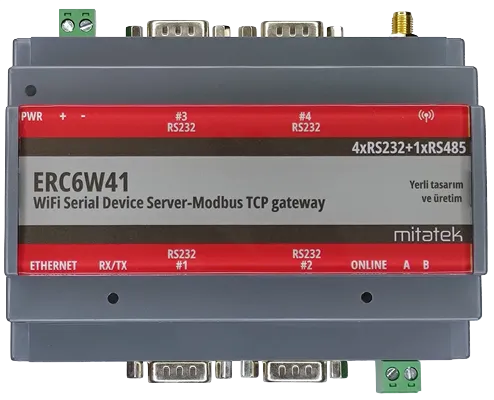
In automation, telemetry and IoT applications, devices with RS232 or RS485 port already has been used widely and needed to be read remotely. Due to the communication distance limitation of the serial port, difficulties and problems arise in automation applications. To eliminate this distance restriction, reading these devices over the wireless network may be requested as an alternative. So, such an application is desired, the serial port device will need to communicate via Wireless networks. To do this, a serial converter, serial to wifi conversion, is needed.
In this context, ERC6W11 is called as a WiFi Modbus TCP Gateway-Serial device server. It allows connecting any port (RS232/RS485) to a wireless(WiFi) computer network and monitoring and controlling it over it. In this way, the need to keep a PC next to the device is eliminated. Using ERC6W11, the communication distance problem is solved. While RS232 communication cable legth is limited, it is possible to track and monitor over the internet with today's wireless network structure. Devices available in the industry such as energy analyzers, uninterruptible power supplies, meters, compressors, etc. can be read without any distance.
Network connection is realized via TCP/IP protocol and can be set as either client or server.
Besides the transparent data mode(serial device server), ERC6W11 can also be configured as Modbus TCP gateway so that any Modbus RTU device connected to its serial port can be monitored and controlled via Modbus TCP protocol over wireless networks. Up to five(5) Modbus TCP connection can be established from any location on the network.
All our ERC6WX1 wireless Modbus TCP gateway and device server familiy has AP(access point) feature for client(STA) connection up to 10 devices so there is no need to use any other external device.
CONTROLLER
WIFI
ETHERNET
SERIAL PORT
SOFTWARE
POWER
PHYSICAL
SUPPORTED PROTOCOLS
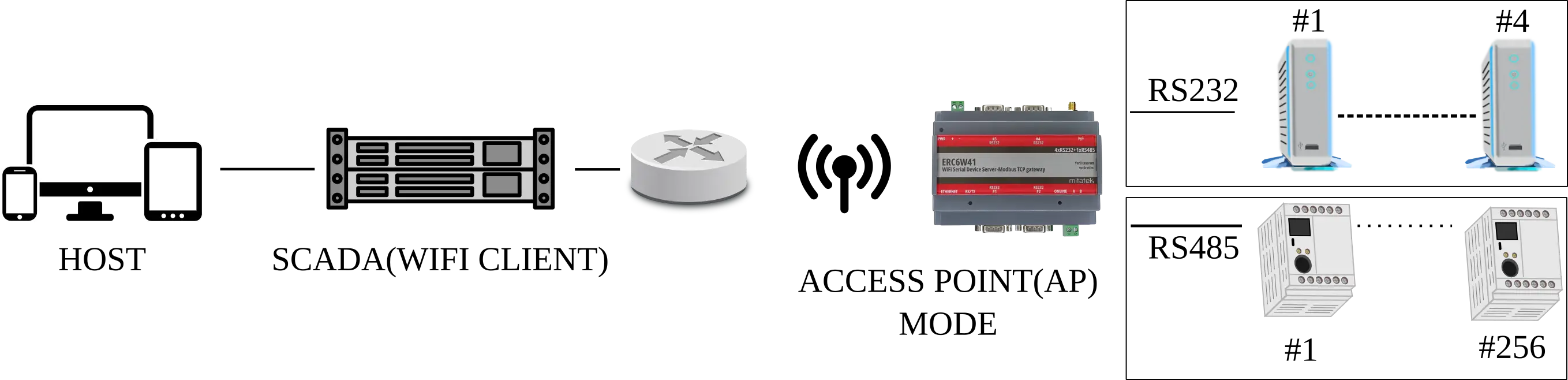
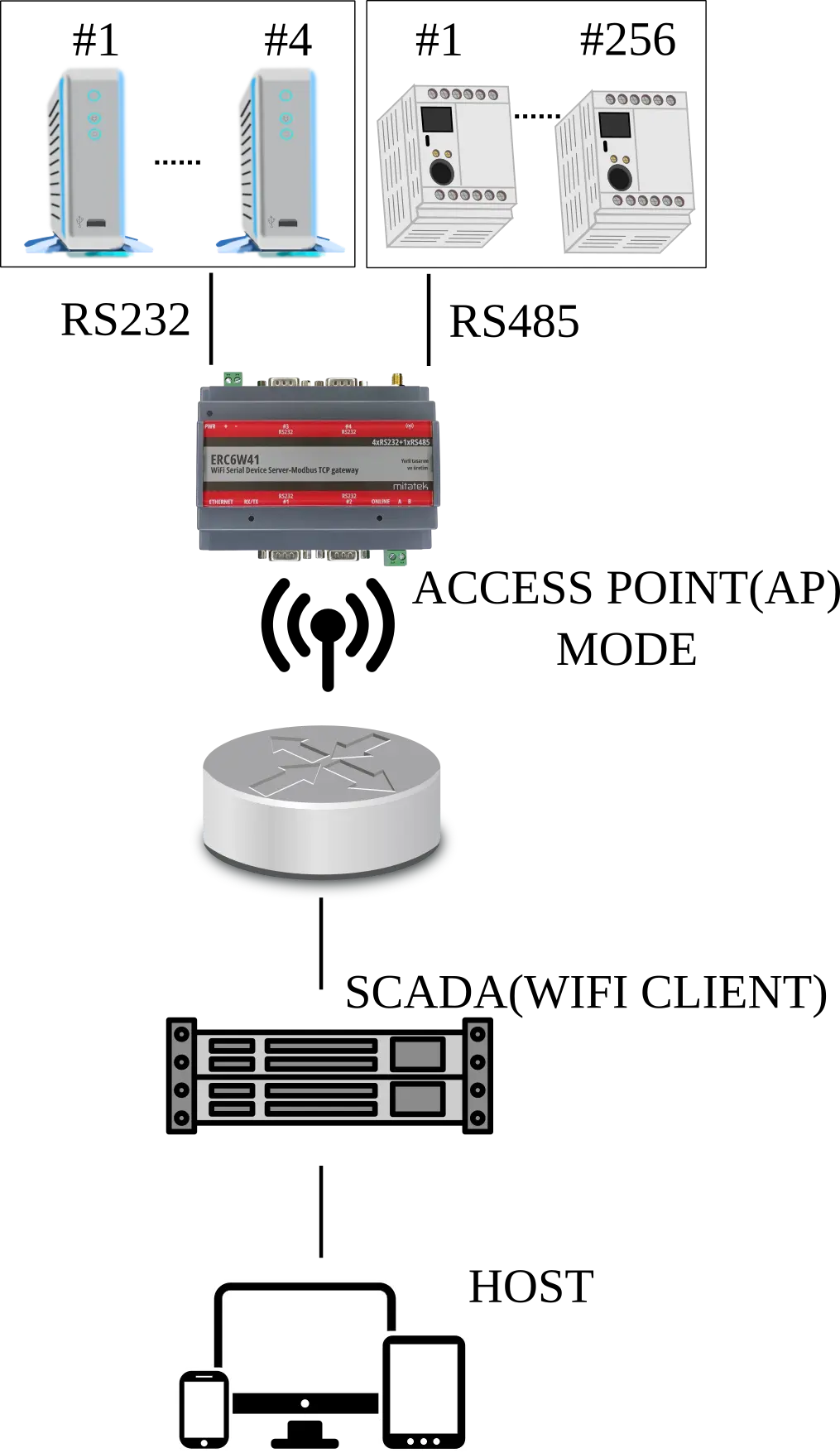
Some of applications with using ERC6W41 :
Use the following link to download document:
Please fill the form for the following documents: